
What is a photo puzzle maker?
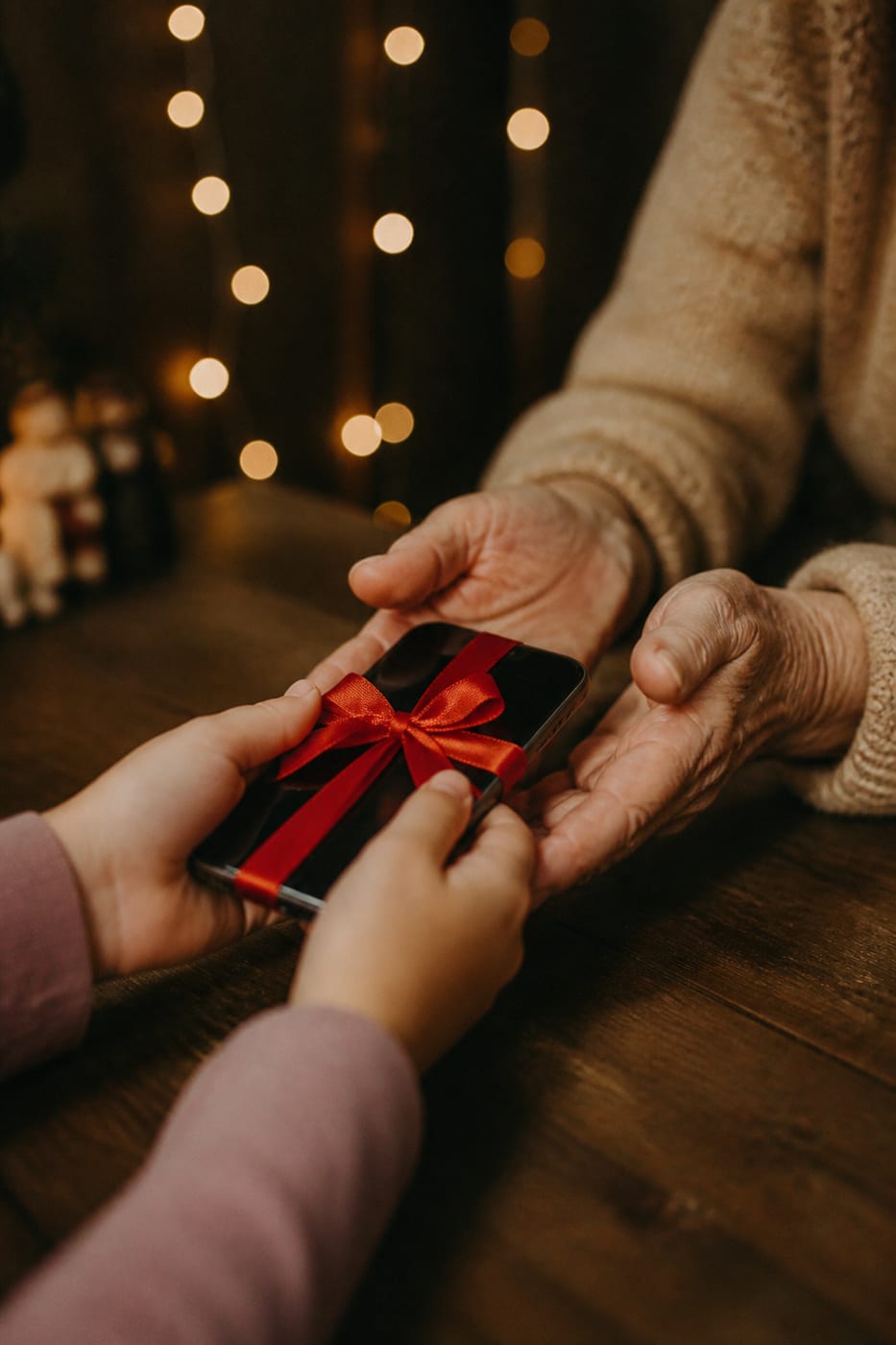
A photo puzzle maker turns a picture you choose into a custom jigsaw puzzle. Puzzlify is an online jigsaw puzzle maker: the result is a digital puzzle generated from your image, a family photo, a travel memory, your pet, an artwork, a company image, or a logo. Instead of buying a physical puzzle with a stock catalog image, you prepare your own from any photo and turn it into a private gift when you publish it.
Pieces are auto-generated with real puzzle shapes (tabs and blanks), and the system detects when they snap correctly. Solving the puzzle feels exactly like solving it on a table — just on a screen. No lost pieces or space taken; once published, the recipient receives it through a private link.
Make your own jigsaw puzzle online and play it free
Making the puzzle and playing it yourself costs nothing: no account, no card, no watermark. You only pay if you want to send it to someone as an online puzzle gift. Publishing creates a private link you can protect with a PIN, rotate or revoke, and the recipient plays without an account.
The puzzle lives in the browser: it arrives instantly, nothing gets lost and there is no box to wait for. If you are weighing it against a cardboard puzzle, read our digital vs printed photo puzzle comparison.
How to make a puzzle from a photo, step by step
1. Upload your JPG image
Drag or pick the photo you want to turn into a puzzle. It must be a JPG between 1000 and 5000 pixels per side, up to 2 MB and 20 megapixels. The image is used securely to prepare your puzzle gift.
2. Pick difficulty and format
Choose 24, 48, 80, 130, or 252 pieces based on the photo’s aspect ratio and the challenge you want, then add a memorable title.
3. Play it yourself, free
Solve the whole puzzle the way the recipient will and check the message that appears at the end. Playing your own puzzle never uses a credit.
4. Publish the link
When you want to send it, publish with one credit. That is when you sign in and pay. The recipient plays through the private link, with no account.
Why Puzzlify as your picture puzzle maker
- No install: 100% in the browser. Works on desktop, tablet, and mobile.
- Your photos stay private: your image is used to prepare your puzzle gift. We never use it to train AI or share it with third parties.
- Local draft: while preparing a puzzle gift, the draft can be restored in this browser and on this device.
- Real puzzle piece shapes: not squares — actual jigsaw pieces with tabs and blanks generated algorithmically for an authentic feel.
- Share with one credit: each publication creates a private link with optional PIN and leaderboard controls that you can rotate or revoke.
- Free to make and play: build and solve your own puzzle before deciding whether to buy a credit to share it.
Ideas for your first custom puzzle
Birthday
Your photo and a note that appears at the end. The birthday person plays a private link, with nothing to install.
Anniversary
A message that only appears when the last piece clicks in. It still works if you are celebrating apart.
Christmas
A greeting they play, not a box under the tree. Send it to family and friends the same day.
Thank you
A photo, a short challenge, and your note at the end. More personal than a card, less formal than a speech.
Pet or trip
The dog, the cat, or that sunset: any JPG that meets the technical limits can become the gift.
Any other occasion
If it is not a set date, you can still turn the memory into a puzzle gift with a private link.
Guides and free puzzles
Frequently asked questions
Is the photo puzzle maker free?
Yes, to make and play. Uploading your photo, building the puzzle and solving it yourself in the browser is free, with no account and no card. You only pay to publish it as a private link for someone else: one credit costs €3.99.
How much does it cost to make a custom puzzle on Puzzlify?
Previewing is free. Publishing a puzzle gift costs one credit: €3.99 for one, €8.99 for three, or €14.99/year for Plus with ten credits per period. These are final EUR prices and include any applicable tax.
What image formats does Puzzlify support?
We accept JPG images. The image must measure between 1000 and 5000 pixels per side, be no larger than 2 MB, and not exceed 20 megapixels.
How many pieces can my puzzle have?
You can pick 24, 48, 80, 130, or 252 pieces. The app adjusts the grid to your photo’s aspect ratio so the pieces stay nearly square.
Can I play the puzzle on mobile?
Yes. Puzzlify works on any modern browser: Chrome, Safari, Firefox, Edge. On mobile you drag pieces with your finger. We recommend tablet or desktop for high piece counts (more screen comfort).
Are my photos used to train AI or for anything else?
No. The images you upload are only used to prepare and serve your puzzle gift. We never use them to train AI or share them with third parties. Deleting a resource or closing the account revokes access and schedules cleanup of images and derivatives.
How do I share a puzzle with friends?
Publish the draft with one credit and share its private link. Guests need no account; the PIN and leaderboard are optional, and you can rotate or revoke the link.
Does Puzzlify have real-time multiplayer?
Not in the sense of two people solving the same puzzle simultaneously. What it does have: anyone with your URL plays their own instance and everyone competes for the best time on a shared leaderboard. It's an asynchronous social experience.
Do you print and ship the puzzle?
No. It is not a cardboard puzzle: nothing is manufactured, boxed, or posted. It is played in the browser. The recipient needs no account; the message appears when they finish.
Do I need to install an app?
No. Puzzlify runs entirely in the browser. No app to download or update. All you need is internet.
Start making your custom puzzle now
No install, sign-up or card needed to make and play it. When you want to send it, publish with one credit.
Make my puzzle free